Project Case Study
Start Up
Legal Tech/Digital Estate Planning

{01}
User Interface and User Experience Design, Product Design
{02}
Interaction and Animation design, Prototyping
{03}
Art Direction. Illustrations: Martin Nicolaussen and Kiki

Traditional will-creation tools demand registration before demonstrating value, causing early drop-off. Users arrive with single concerns like "How do I leave my home to my spouse?" but feel overwhelmed by monolithic, linear forms that don't map to their topic-specific questions. The opportunity was clear: allow visitors to start from topic pages and make immediate progress without creating accounts, reframing the will as approachable goals composed of small, topic-specific tasks.
The design aimed to reduce time-to-value under 90 seconds, increase completion rates through incremental progress celebration, and maintain legal soundness with human-readable copy. Research with first-timers, time-constrained caregivers, and returning users revealed that early friction correlates with abandonment, while visible progress indicators and "one small win" create momentum.
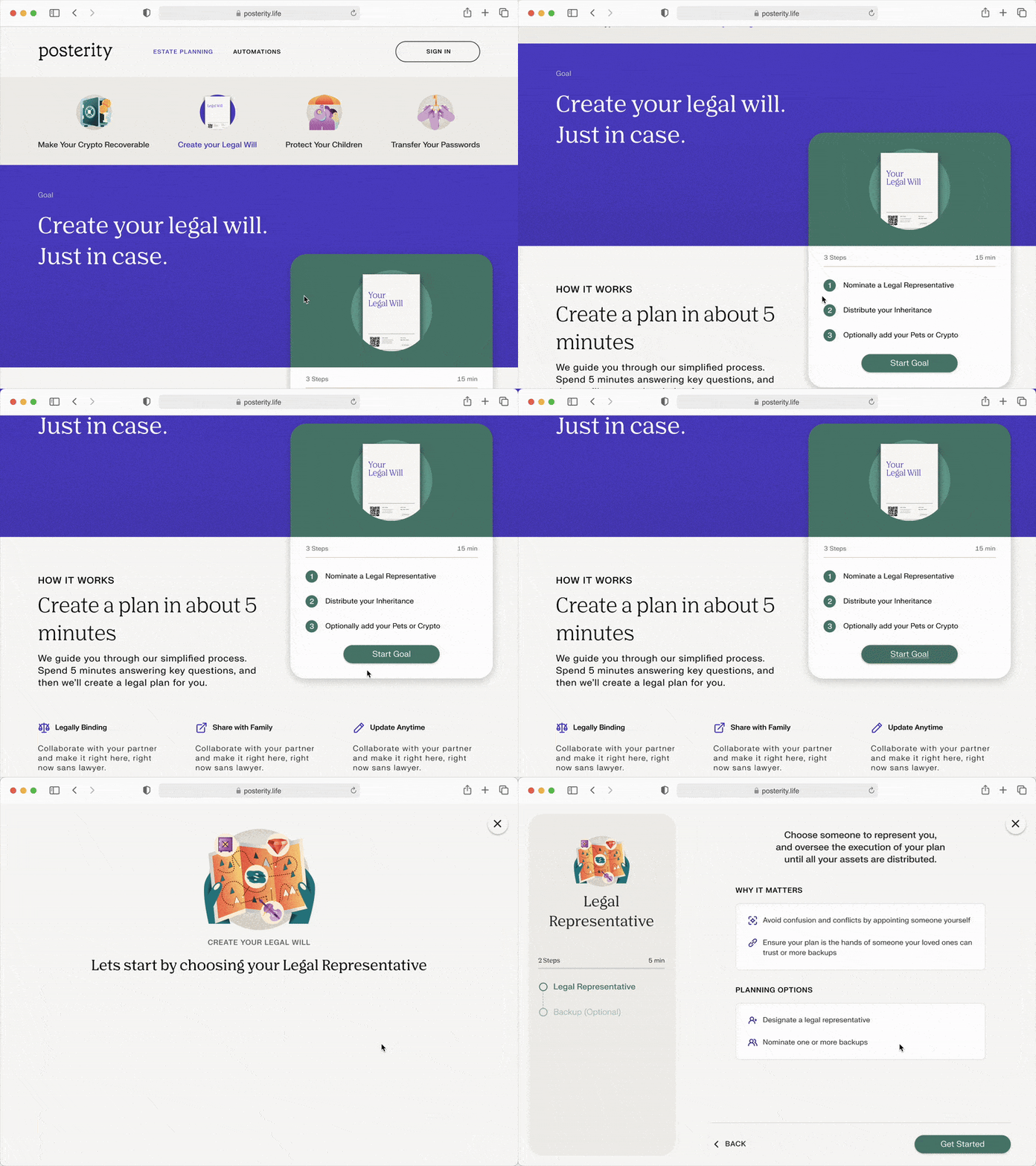
High-traffic content pages like Guardianship and Crypto become actionable starting points. A primary "Start Goal" CTA opens mini-flows capturing single meaningful decisions, transitioning users directly into the web app without downloads or account creation. Responses are captured locally first, with lightweight sign-in prompts appearing only when saving progress, sharing with partners, or generating documents. This aligns with natural discovery paths from search and SEO content, showing value before commitment.
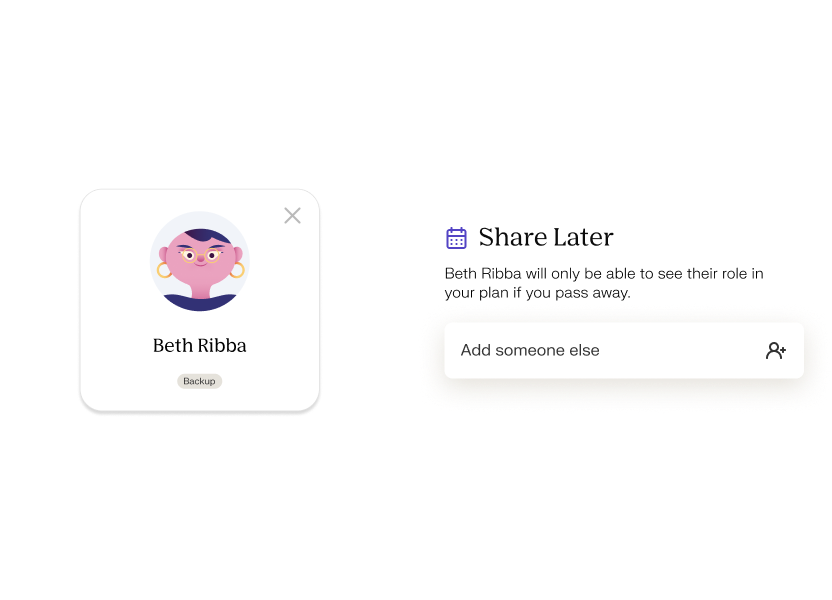
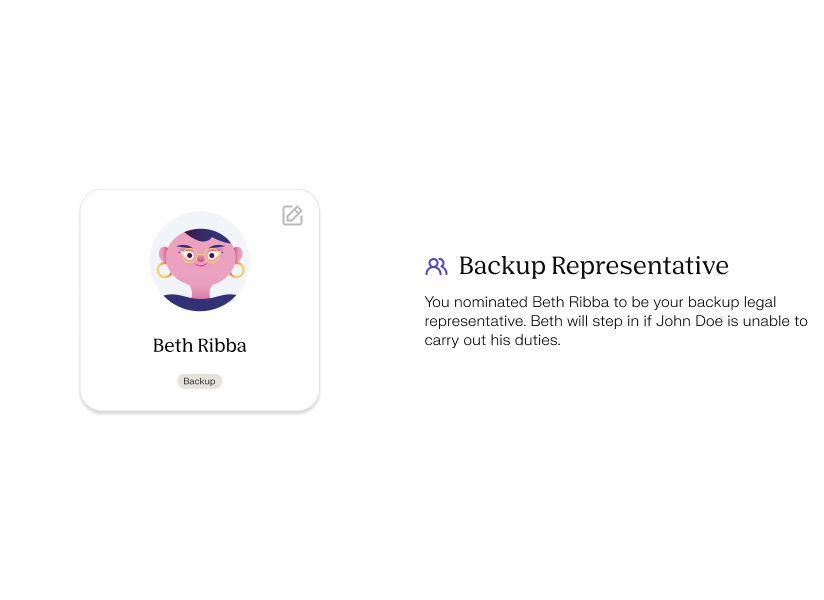
To support inclusive family representation, I designed an interactive avatar system where users could personalize skin tones across all characters. Using Rive's data binding, I built a solution that let each avatar cycle through 8 preset options or accept custom hex values, updating all character elements simultaneously without manually creating hundreds of variations. Interactive hover states added personality by tracking cursor movement, reinforcing the platform's human-centered approach while giving users agency over how their family appeared.
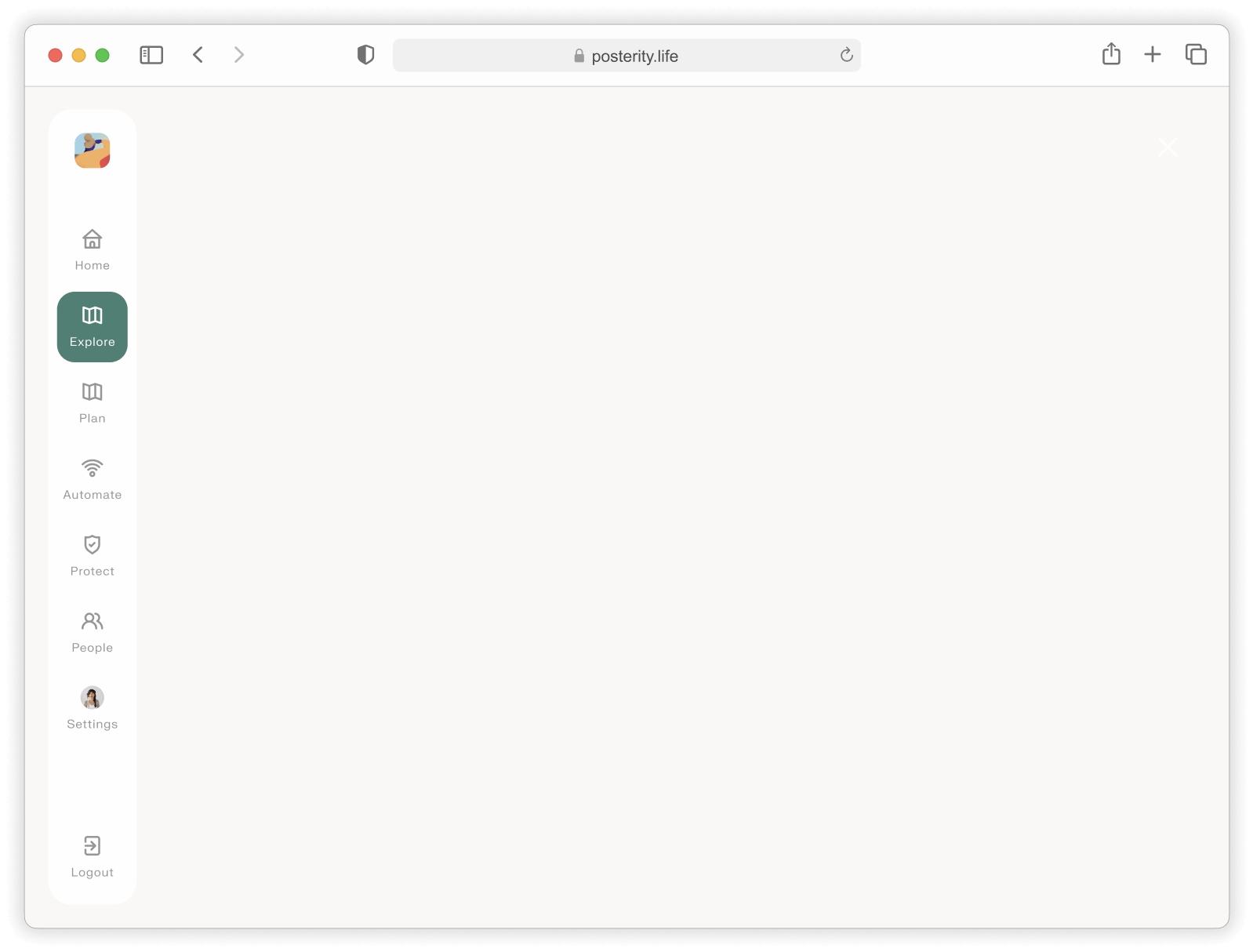
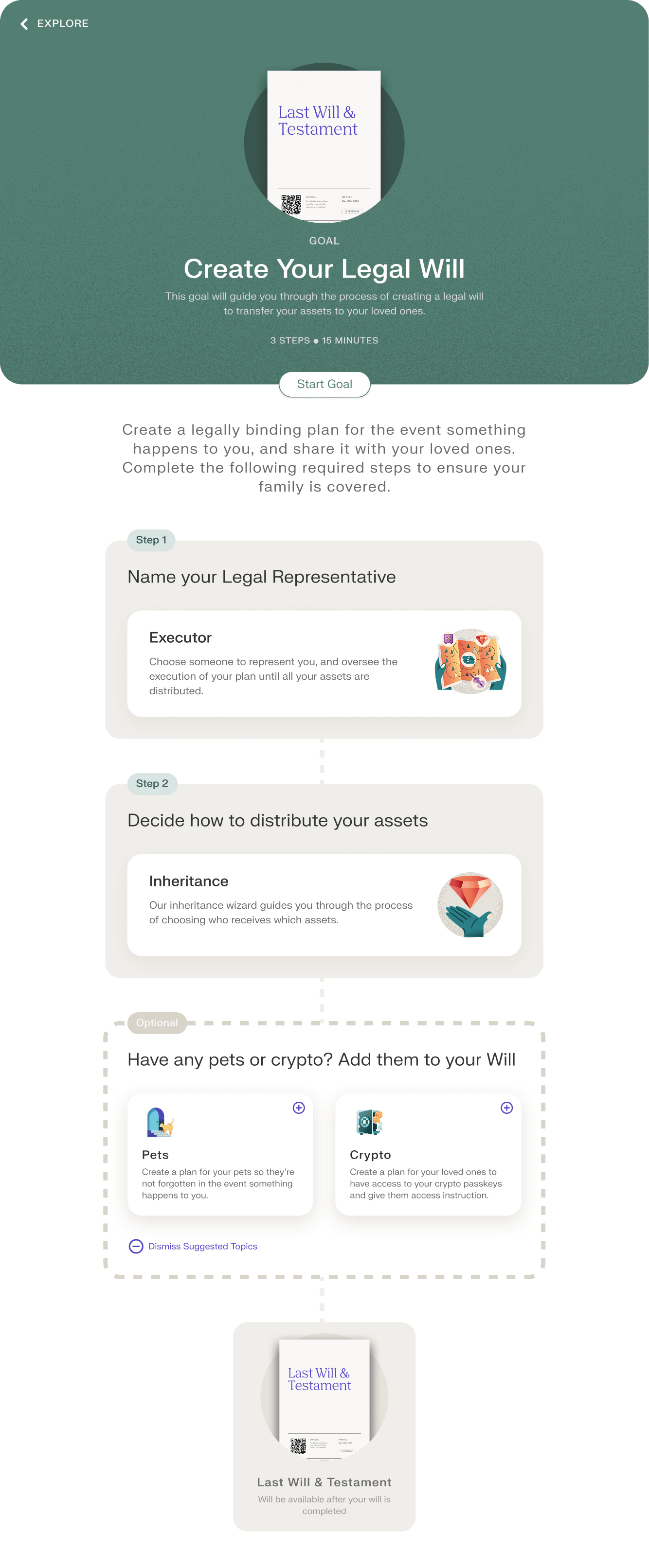
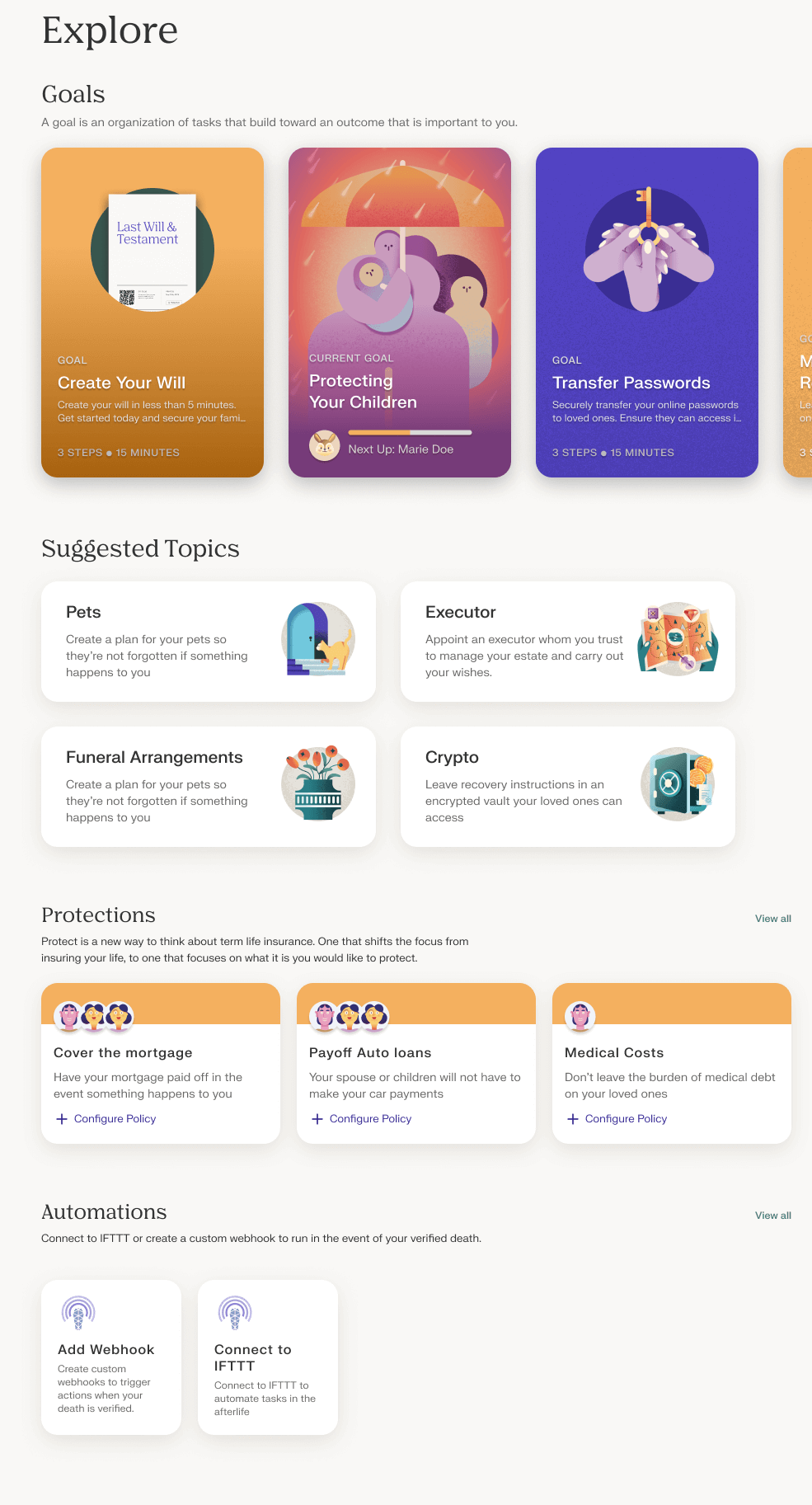
The will itself becomes a collection of Goals, each grouping related topics with estimates, status, and remaining work. Users work in any order with auto-saved progress, transforming a "big scary document" into manageable steps with micro-milestones.
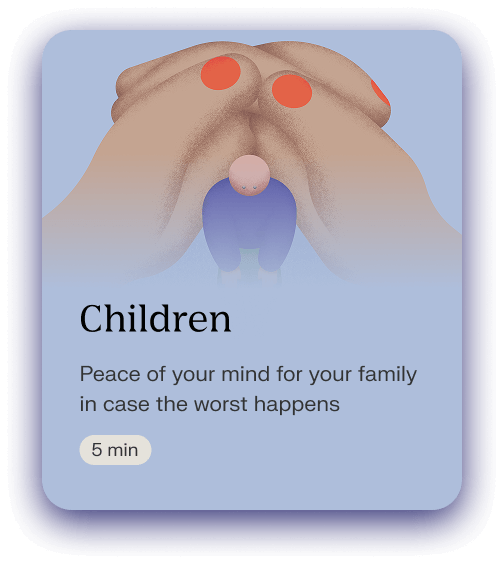


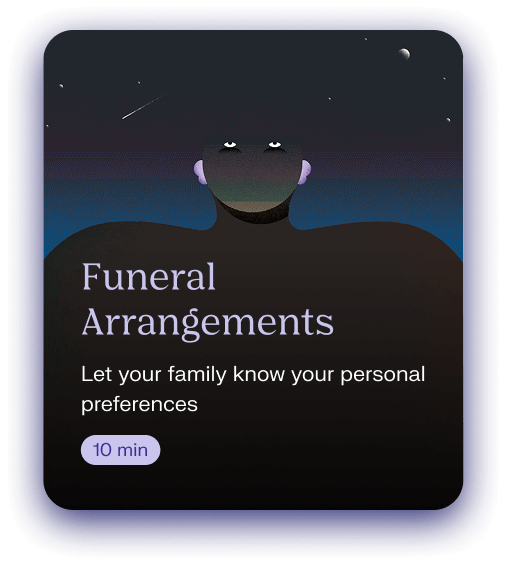
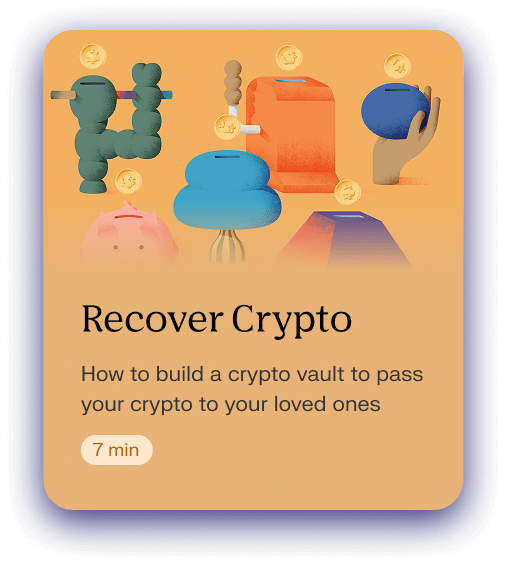

A focused set of will‑building topics guides users from the most common intents to completion: appointing guardians and executors, assigning beneficiaries and specific property, capturing digital assets and passwords, covering pets and final wishes, handling healthcare directives. These topics roll up into Goals so people can work non‑linearly while always seeing clear next steps and progress.
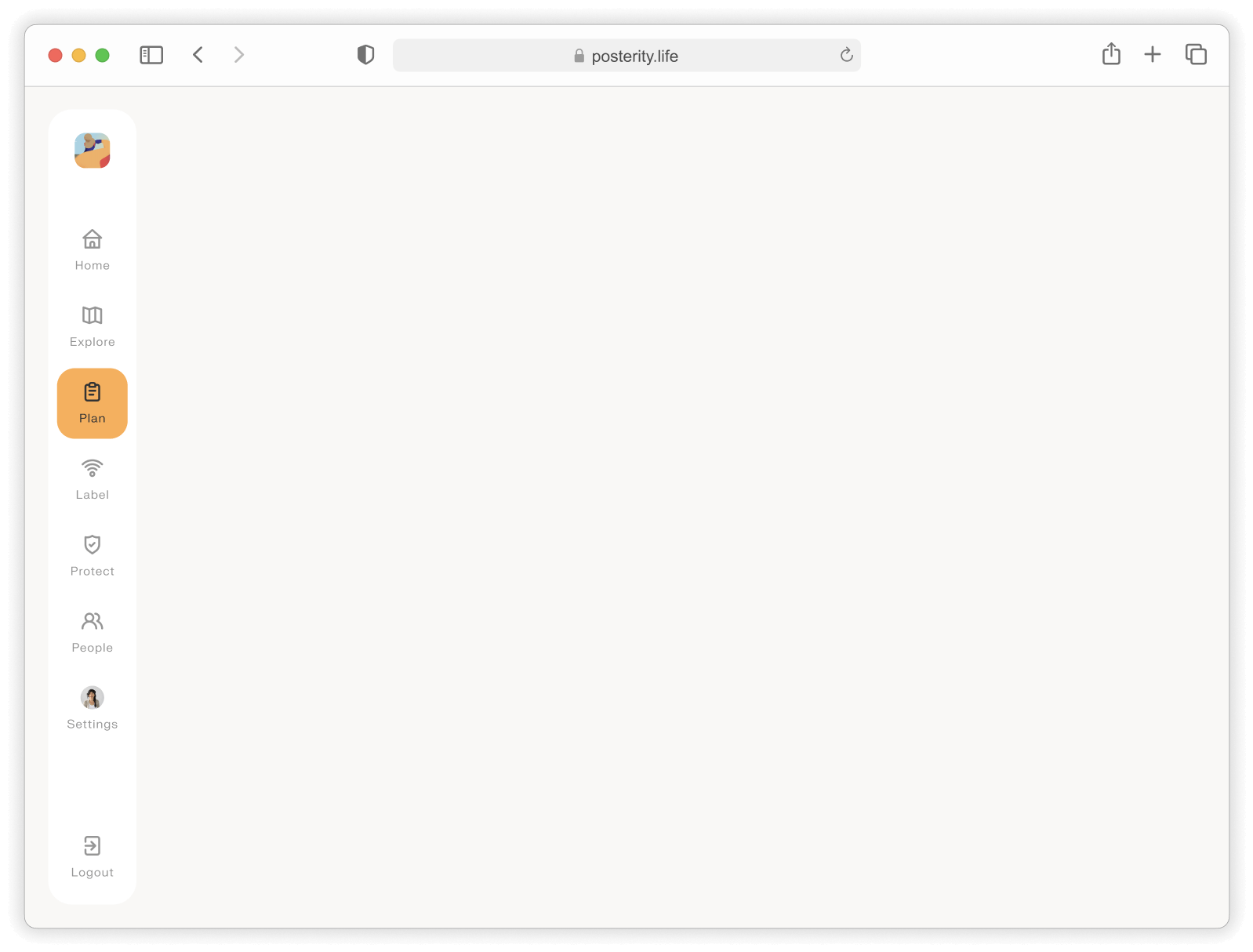

The Plan Page provides a comprehensive overview of completed goals, key people and their roles, and a digital representation of the user's will. The platform prompts users to revisit and update their will whenever life changes, such as marriage, divorce, a new job, or other milestones, ensuring their plan stays current.



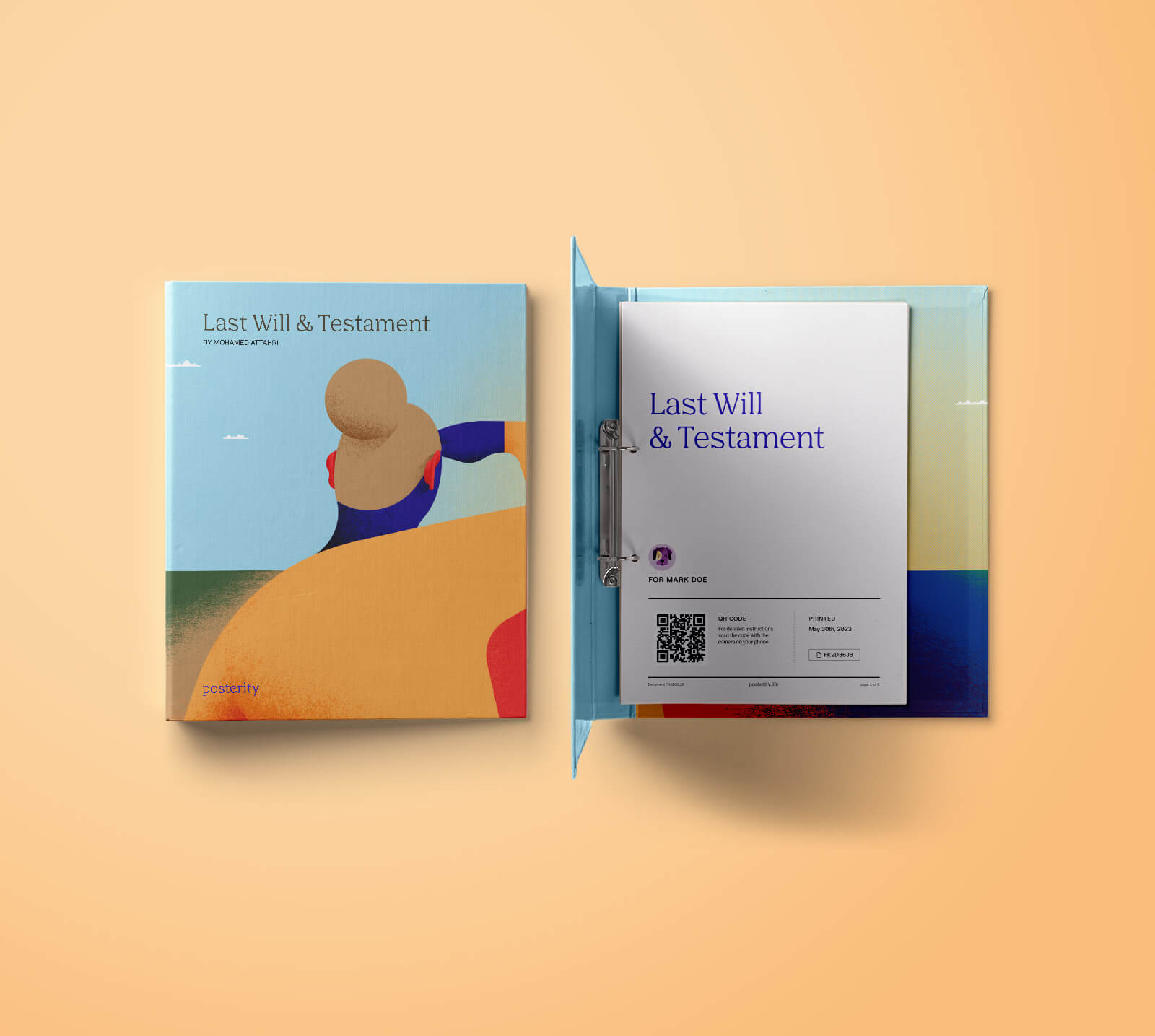
The entire process is simple, engaging, and approachable, guiding users step by step so they feel confident creating their estate plan. Once complete, users can order professionally printed, official documents that, after notarization, become their legally binding final will, providing tangible peace of mind and clarity for the future.
By removing account walls, meeting people on topic pages, and reframing the will as approachable goals, the experience turned a high-anxiety task into a guided, momentum-building journey. Users now see value in under a minute, stay oriented through clear next steps, and finish with state-specific signing they trust. I led the end-to-end experience across strategy, IA, and execution, including hi-fi visual design, interaction and motion design, and orientation patterns. Future extensions could include richer life-event triggers, deeper collaboration, and localized guidance to keep plans current without becoming another dreaded task.